Email Design and Development
I’ve always had this love/hate relationship with email design. Over the years, I’ve grown to love them, learning to accommodate their finicky nature. There’s something so satisfying about seeing an email design come to life — fully responsive, and not broken across (most) email clients. At the same time, recognizing the lack of progression in email design and development can be incredibly frustrating — while other areas in design are pushing the boundaries with stuff like augmented reality and VR, email feels like it’s stuck in the 90’s, unable to escape the treachery of table-based HTML.
This discrepancy strikes me as a little odd — despite being one of the key channels used by many companies to drive revenue and engagement, emails don’t get much love. How can designers and marketers build a scalable, functional, and progressive system for creating emails?
Problem
- From the inception of our team, we were expecting to manage a huge email repository (hundreds of emails) for an enterprise.
- Emails deserve design system as much as website and apps. I adopted a design systems approach which has helped me better understand and adapt to our changing email needs while maintaining consistency amongst communications.
- The email clients subscribers use to look at email campaigns, like Gmail, Outlook, or Apple Mail—can be a troubling applications. Due to how email clients process HTML and CSS, many email developers/marketers run into issues with how their emails are displayed. One of the biggest causes of broken emails is the varying levels of support for CSS across different email clients. Knowing what CSS properties are supported where is half the battle. The other half is knowing where in your email you should code those styles.
Solution
Building the foundation
Like with any design system, building a toolkit of design components that are tied to pieces of code helps to establish the foundation of the system. A simple email design system can consist of two key elements: design templates and a code repository.
Design templates
It is exactly what they sound like — fully mocked-up components or designs in Photoshop or Sketch, with replaceable areas for content.
We were set out to solve a challenge of email design which felt like they were coming from different brands, not a unified voice that represented our company.
As we were building the templates, I wanted to keep the design simple and effective (to the point) so we could build deliver more with less effort for our customers. After all, we were a very small team, and we didn’t always have the bandwidth to create new design assets frequently.
The code repo
A simple email workflow.
It is the HTML and CSS that brings these designs to life. Every element that you include in your design templates should have corresponding HTML/CSS living within the code repo. When those design templates get updated, the code repo should as well.
We built an email workflow that manages
- inlining of css (to make sure we an still support email and stubborn email clients)
- code for reusable template/layout design assets
- git version control
- preview email before moving it to preferred email automation tool
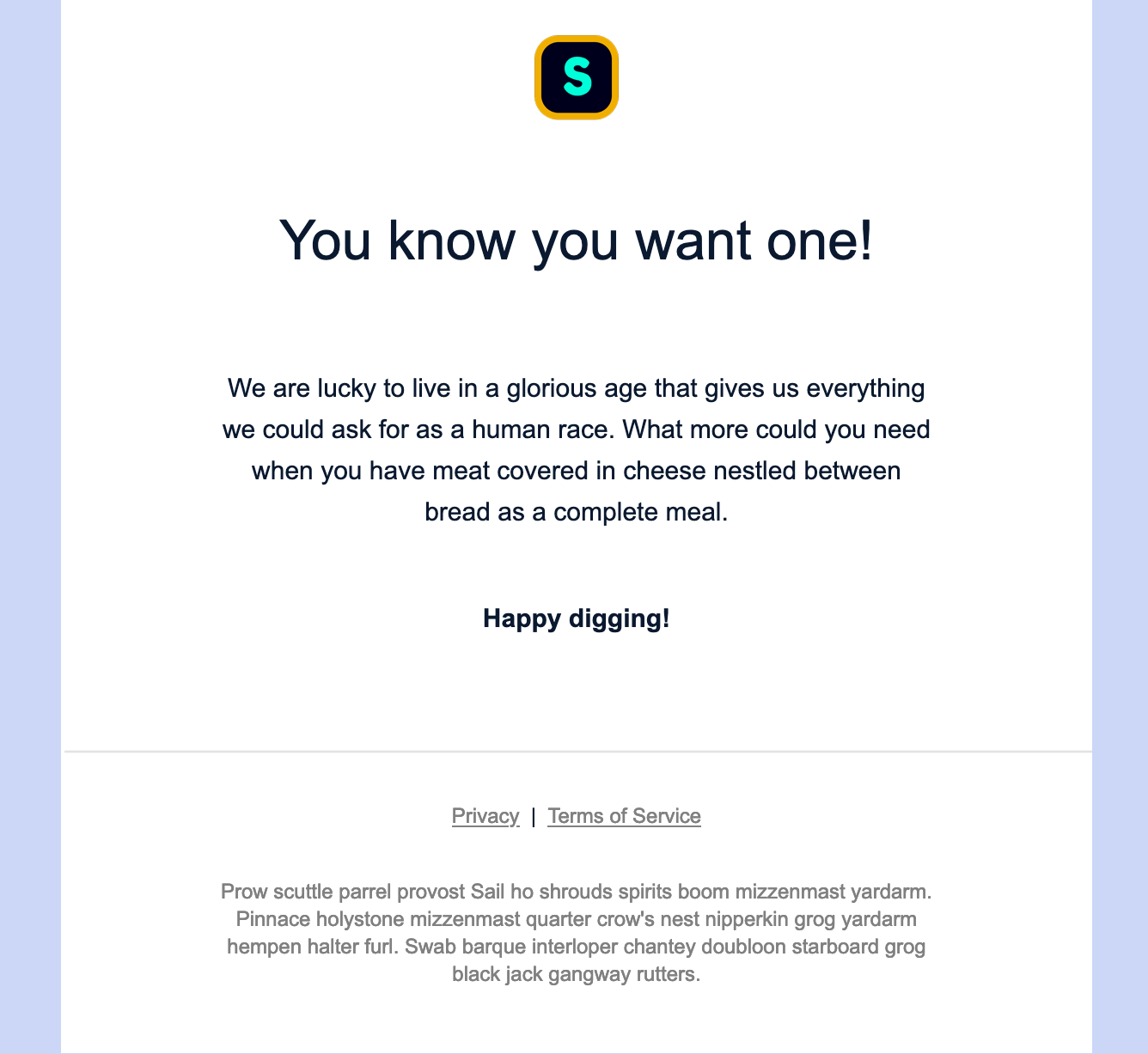
Getting Started
1. Dependencies
- Node.js (v10.x) with npm (v6.x) (Install)
- Gulp.js (v3.x) (Quick start)
2. Clone this repository
git clone https://github.com/shivdatt/simple-email-workflow.git
cd email-workflow
3. Install packages (Skip this step for now)
npm installIt will download all the dependencies and create node_modules folder.
4. Start build
npm startThe compiled and inlined output email will be in the dist/ directory and can be previewed in browser at http://localhost:8000
How to use
Creating templates
Reusable templates are stored in src/templates and layouts (combination of templates that builds an email) in src/layouts.
To include a template in layout, use the following syntax -
{% include "templates/header.html" %}To define a block of dynamic content to be replaced by the email file, use the following syntax -
{% block CUSTOM_BLOCK_NAME %}{% endblock %}Creating emails from templates
To create an email based off a template file, create a new file in the src/emails/ directory (also with the .html file extension).
Specify which layout to use using the following syntax -
{% extends "default-layout.html" %}To define the contents of a dynamic content block, use the following syntax -
{% block CUSTOM_BLOCK_NAME %}
Content goes here
{% endblock %}
CSS
SASS files are stored in the src/sass/ directory.
You can create subdirectories within the SASS folder to hold any partials. Make sure to precede the name of a partial with an underscore, e.g. _typography_.scss.
Local build to preferred email platform
Development
while building the template
go to email-template dir and
run npm start dev
Build templates
once build is completed, run npm start
- go to
localhost:8000 - open the email you just built
Copy the source
Copy the required source from your local build
- meta
- styles
- email body
Dynamic sections of the templates
Assets:
- add assets to src/assets folder and add link to the template (if you do not want to upload the images to the preferred CMS just yet)
Layouts
- This controls the layout of the email template
Templates:
- Create/modify the segments of the templates
- eg header, footer, sub-footer